Module Management
Module Management controls how the developer CCs (including DTs, Code Lists, and Agency ID Lists) are serialized into schema files. It has three major functions:
-
Manage Module Sets - define a hierarchy of module directories and module files. See Manage Module Set.
-
Manage Module Set Releases - associate a module set with a release, so that the module set can be reused across releases. See Manage Module Set Release.
-
Manage CC-Module assignments - assign the CCs of the release to the module files. See Assign CCs to a Module File.
The data associated with these functions is used for exporting a Module Set Release as XML Schema or JSON Schema files.
All Module Management pages are reached from the "Module" menu at the top of the page. For developers the menu items are "View/Edit Module Set" and "View/Edit Module Set Release".
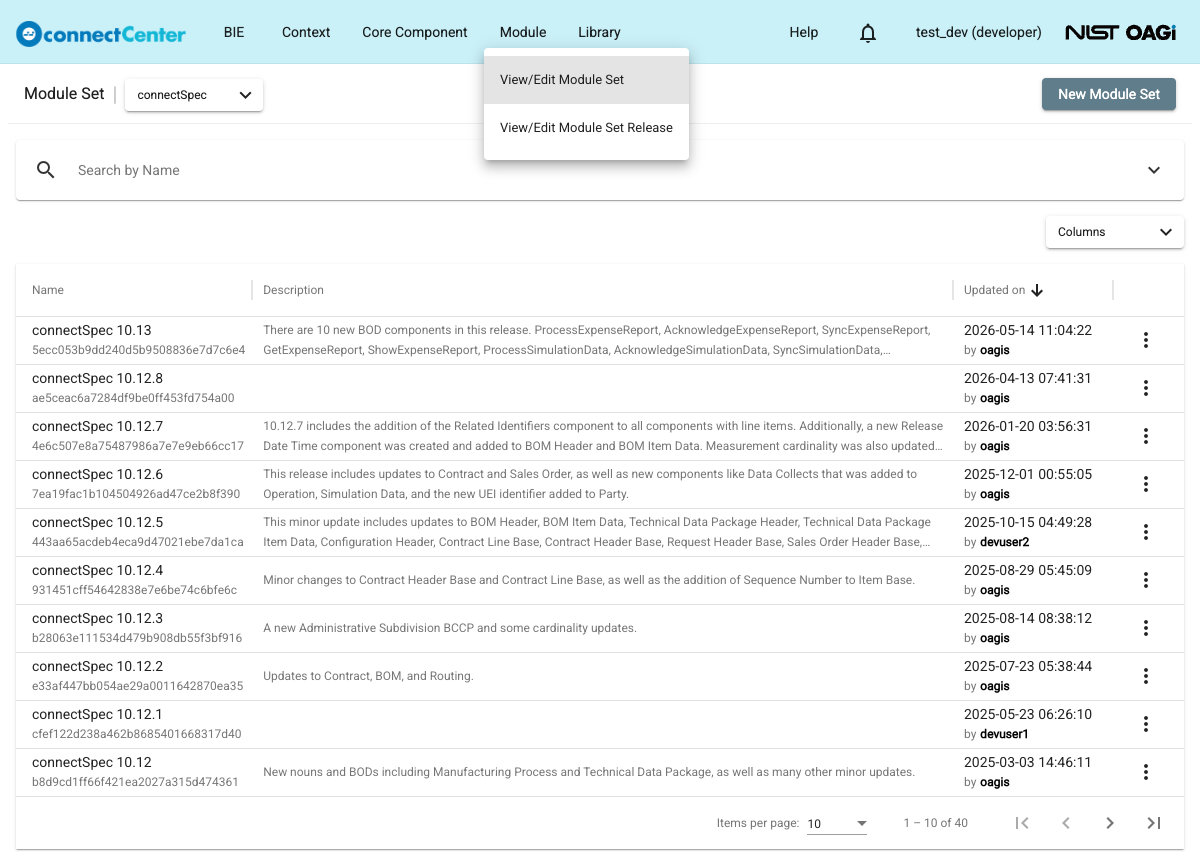
The data can be managed only by developers. End users can open the same pages, but the menu items read "View Module Set" and "View Module Set Release", the pages open in a read-only view, and all editing controls (the "New ..." buttons, the row context menus, the input fields, and the assign/unassign arrows) are hidden or disabled. End users can still validate and export a Module Set Release.
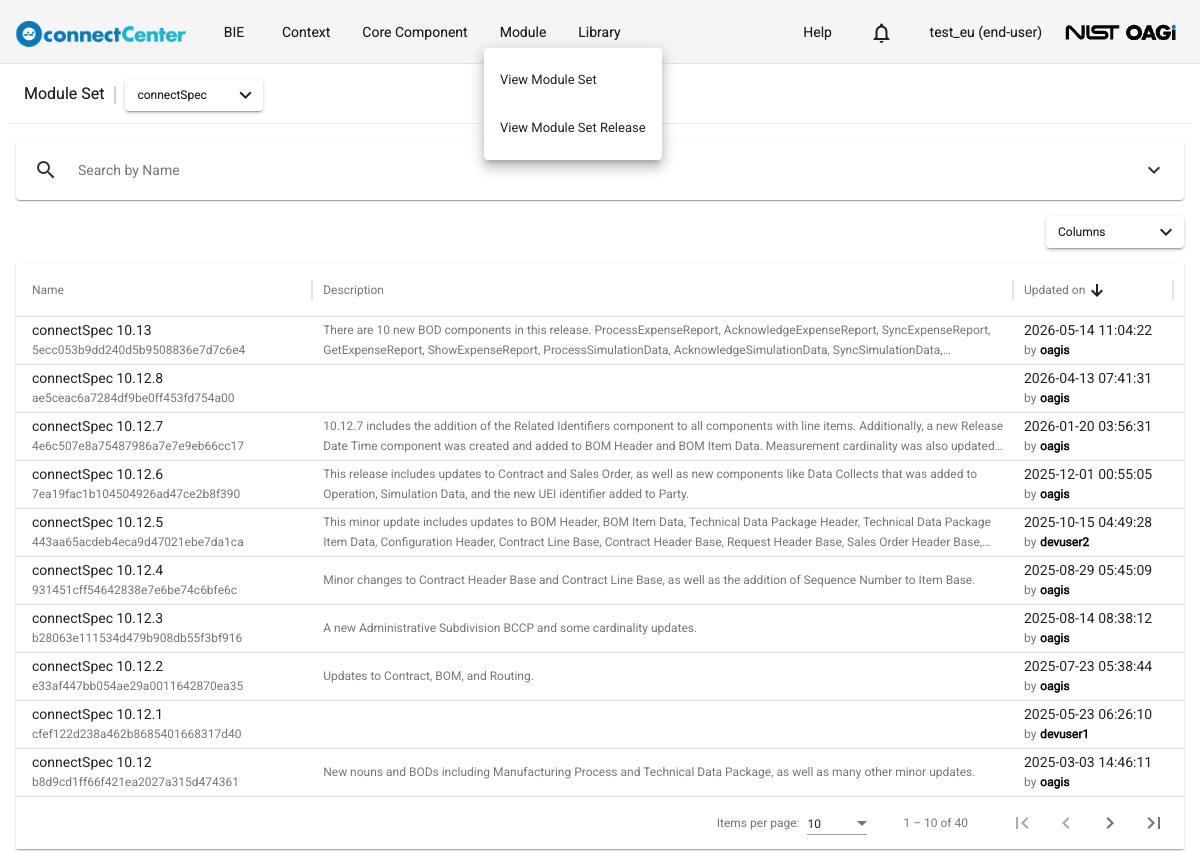
Module Management entities have no ownership, unlike CCs and BIEs. Multiple developers may edit the same module set or module set release at the same time; the last saved change wins.
Module sets and module set releases belong to the library selected with the library selector next to the page title, and the "Module" menu is not available when the multi-tenant mode is enabled.